

Where your creative dreams begin
Start your digital adventure with the all-new Wacom One. Ideal for casual artists and visual thinkers, this drawing tablet with screen makes it easy to draw, sketch, edit photos, annotate, and discover your creative passion.
Your First Pen display Where your Creative Dreams Begin.
Wacom Adventure Program

Wacom One 14
₹ 27,899.00
₹ 32,990.00
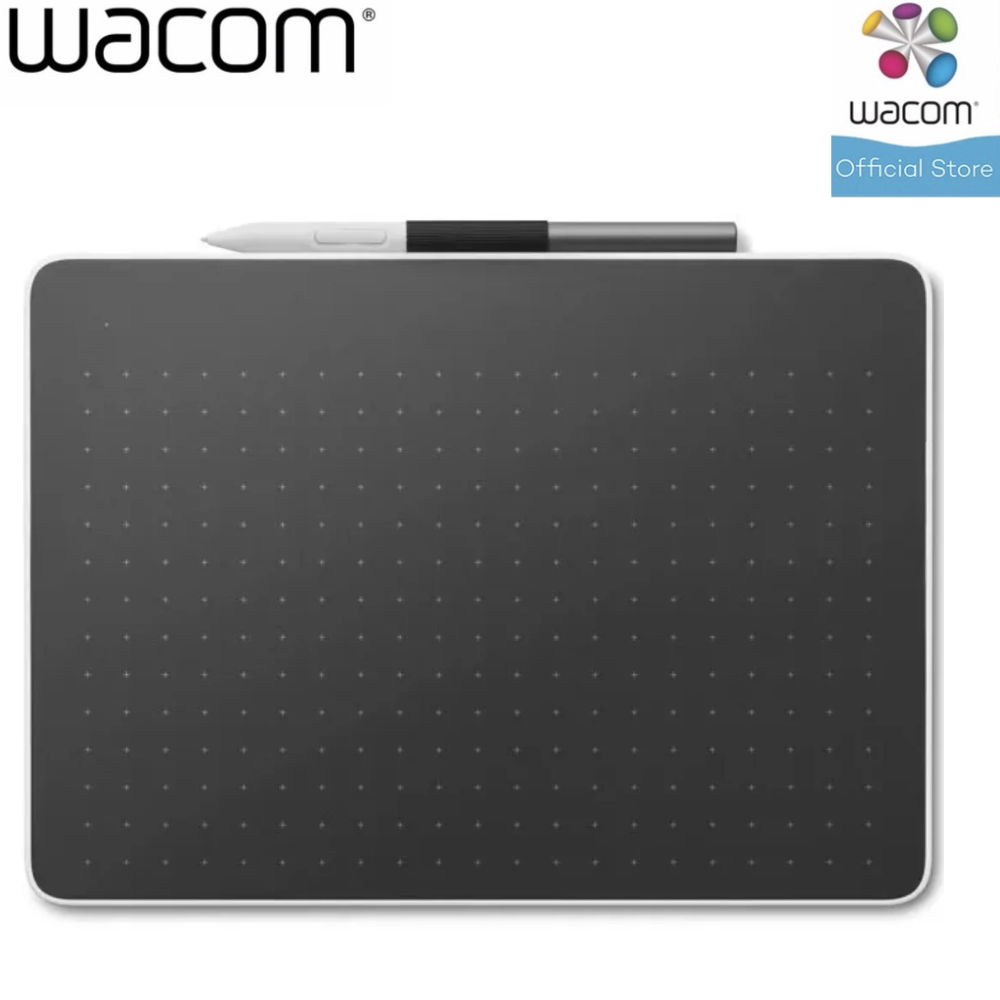
Wacom One Pen Tablet Medium
₹ 12,000.00
₹ 16,990.00
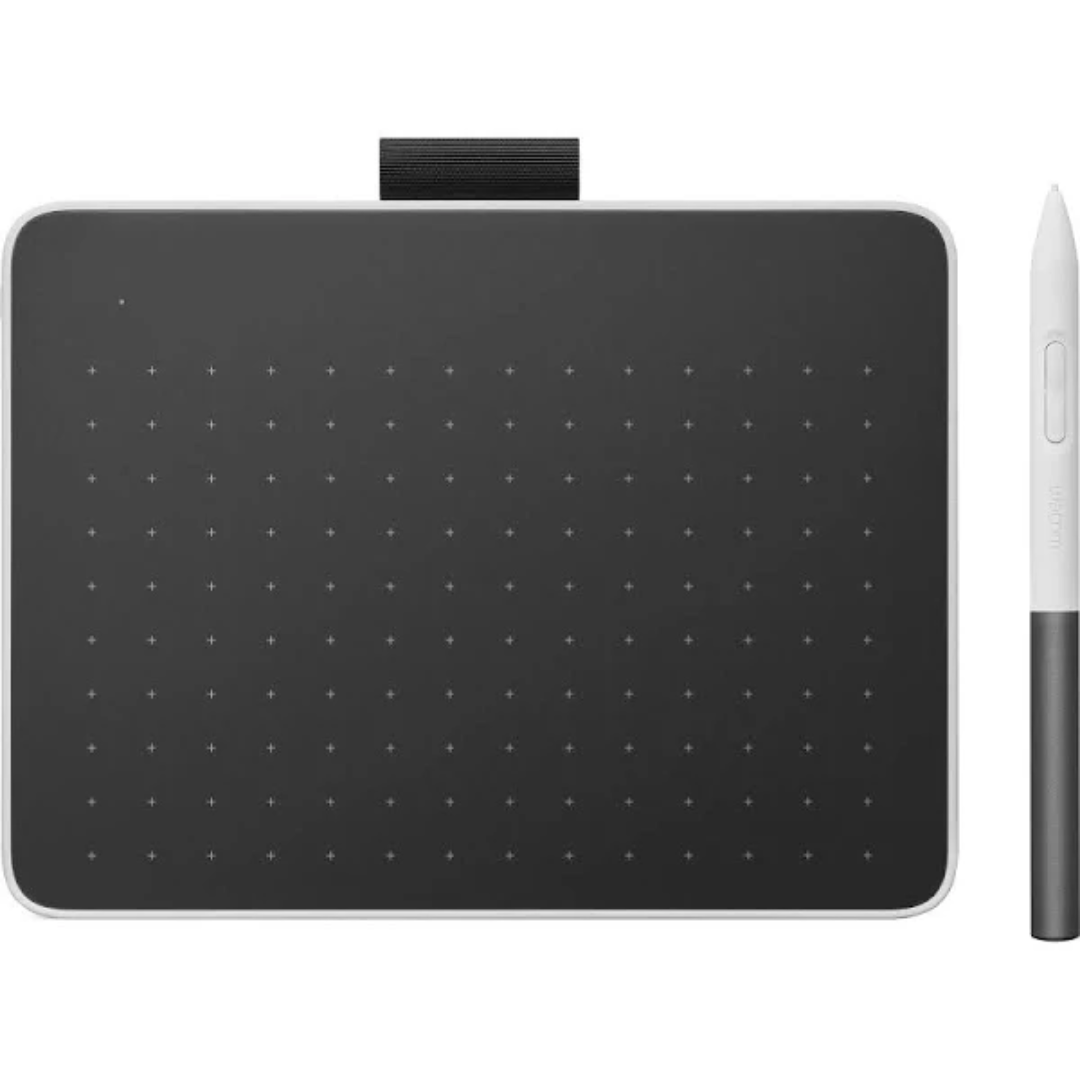
Wacom One Pen Tablet Small
₹ 6,535.00
₹ 11,990.00
Accessories Wacom One
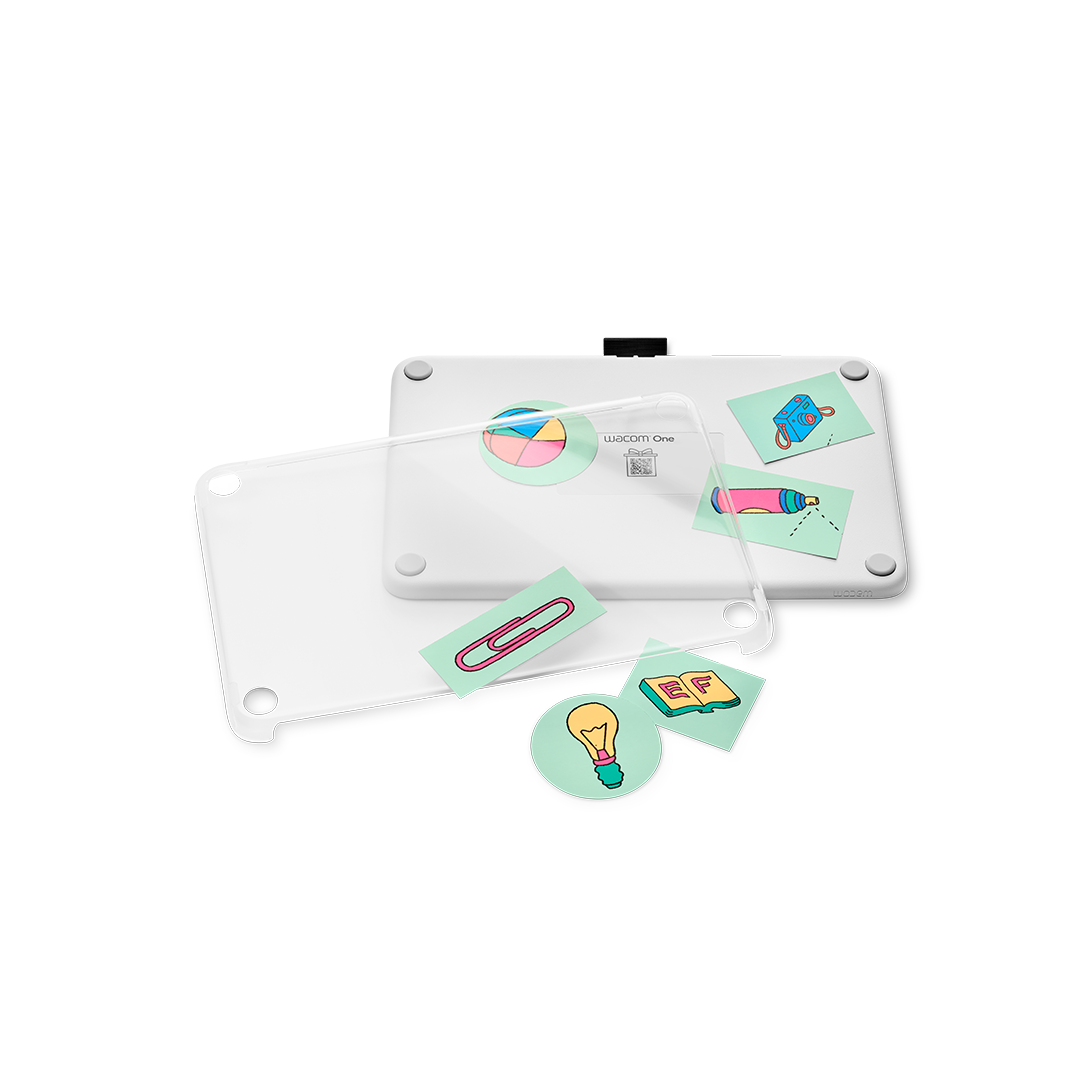
Wacom One 12 Rear Cover
₹ 1,459.00
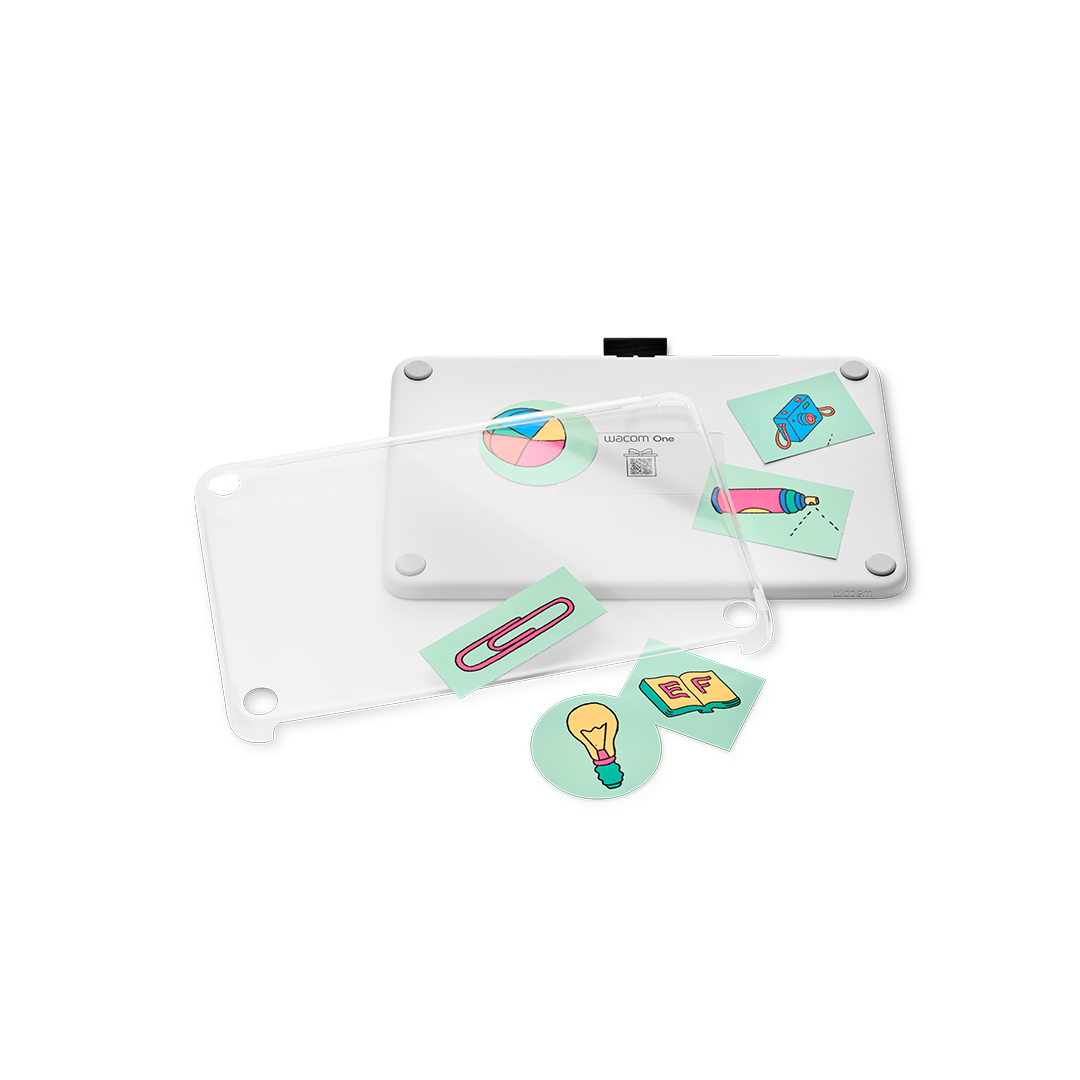
Wacom One 13 Rear Cover
₹ 1,459.00

Wacom One Stand White
₹ 6,380.00
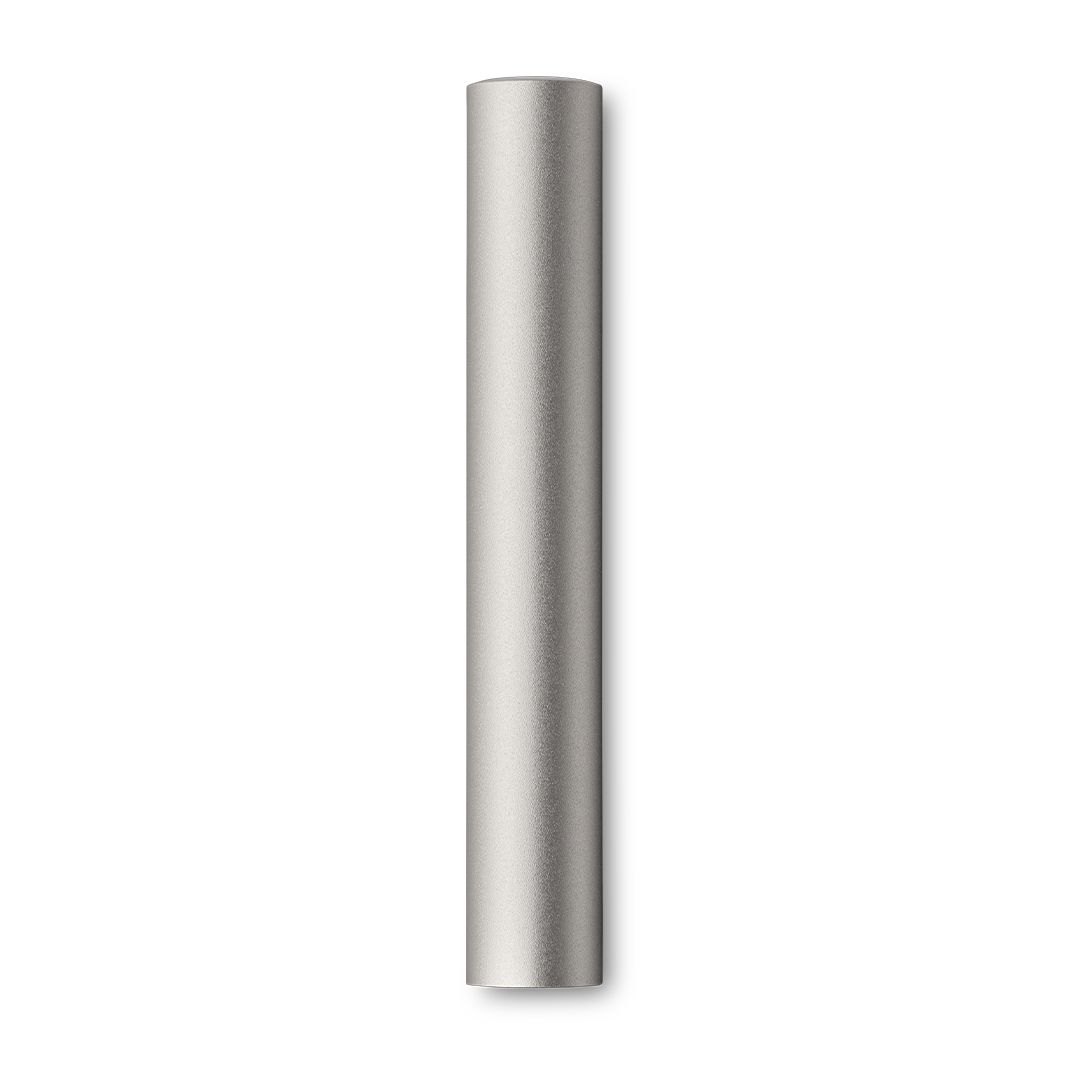
Wacom One Carry Case
₹ 3,399.00
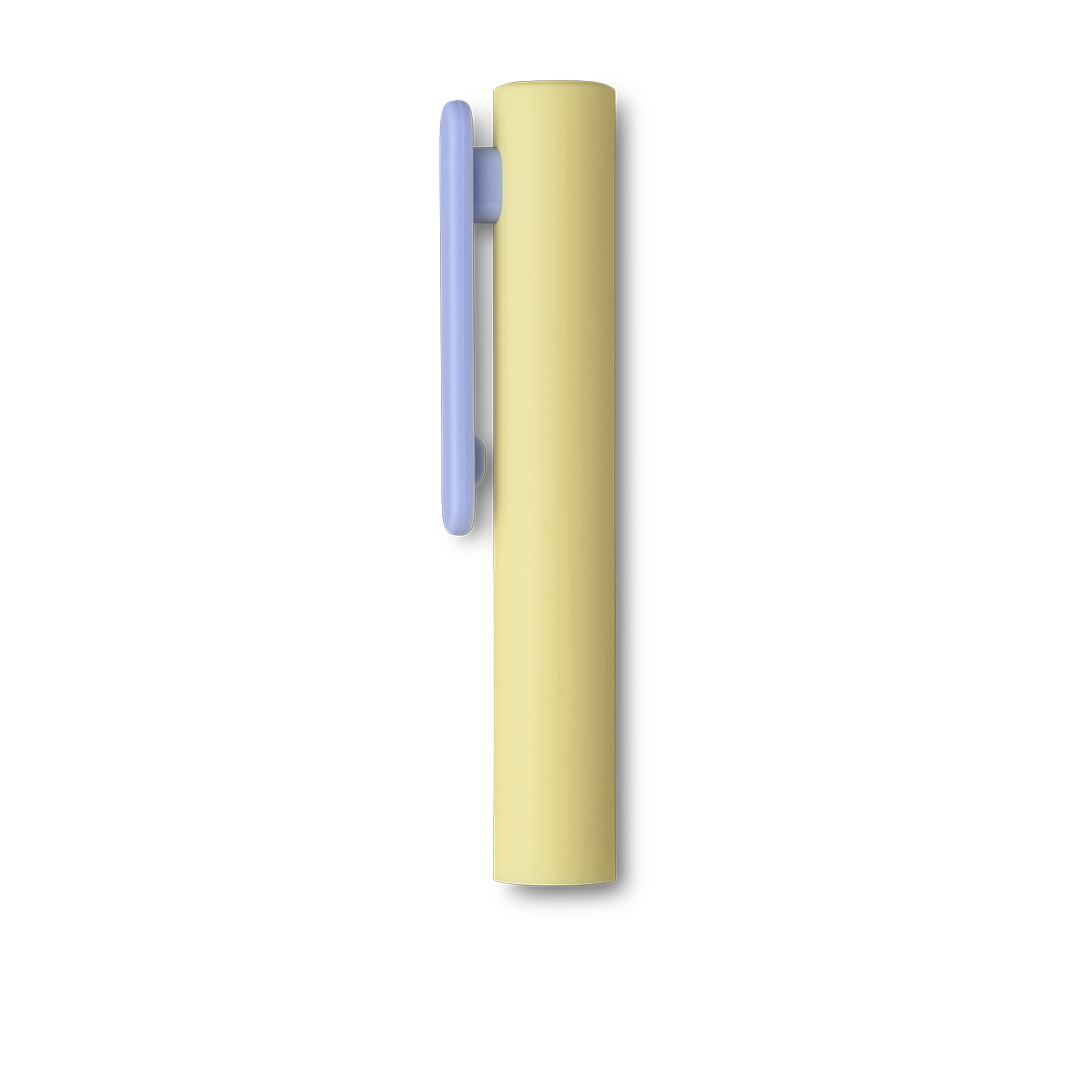
Wacom One Pen Rear Case Lavender w/clip
₹ 990.00
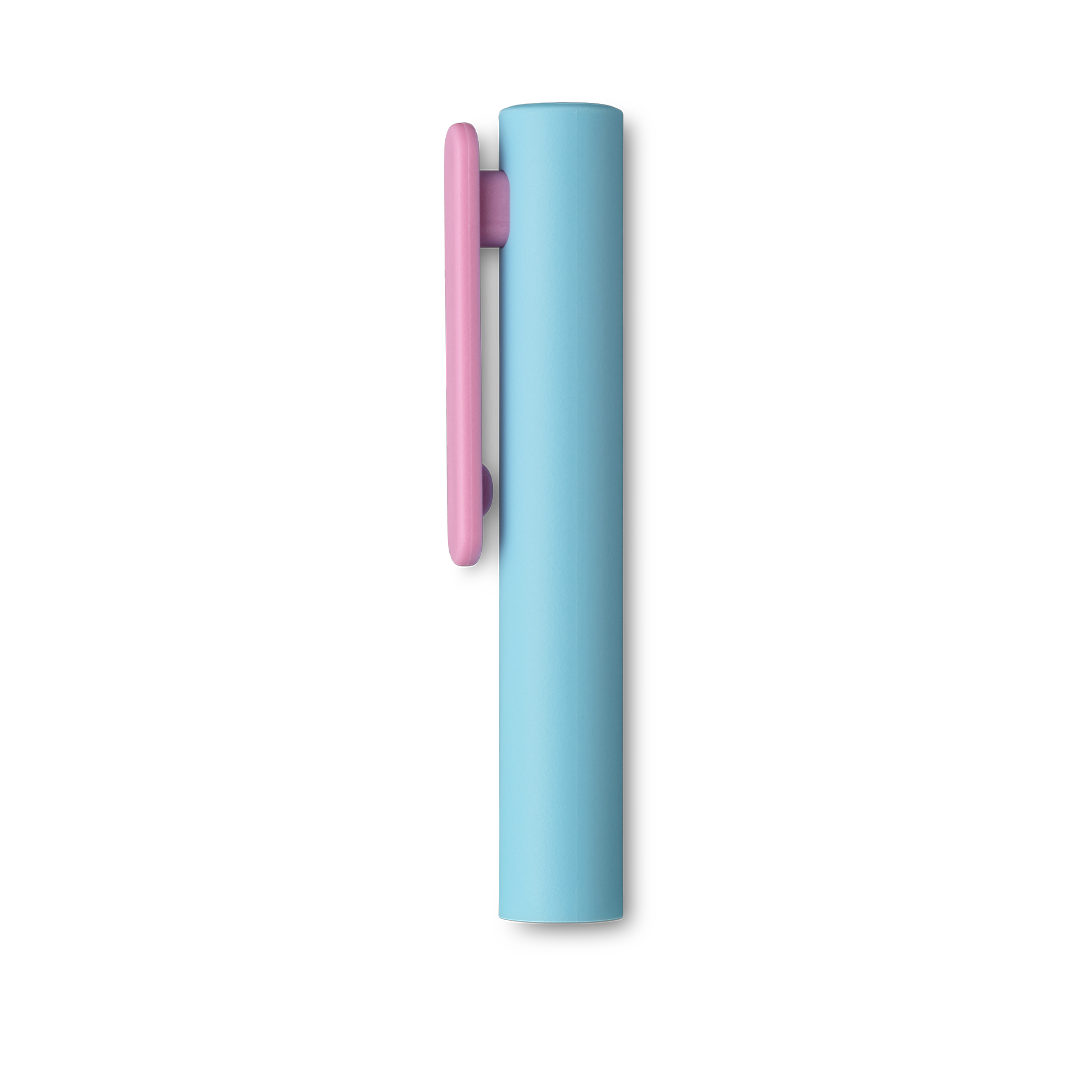
Wacom One Pen Rear Case Rose w/clip
₹ 990.00
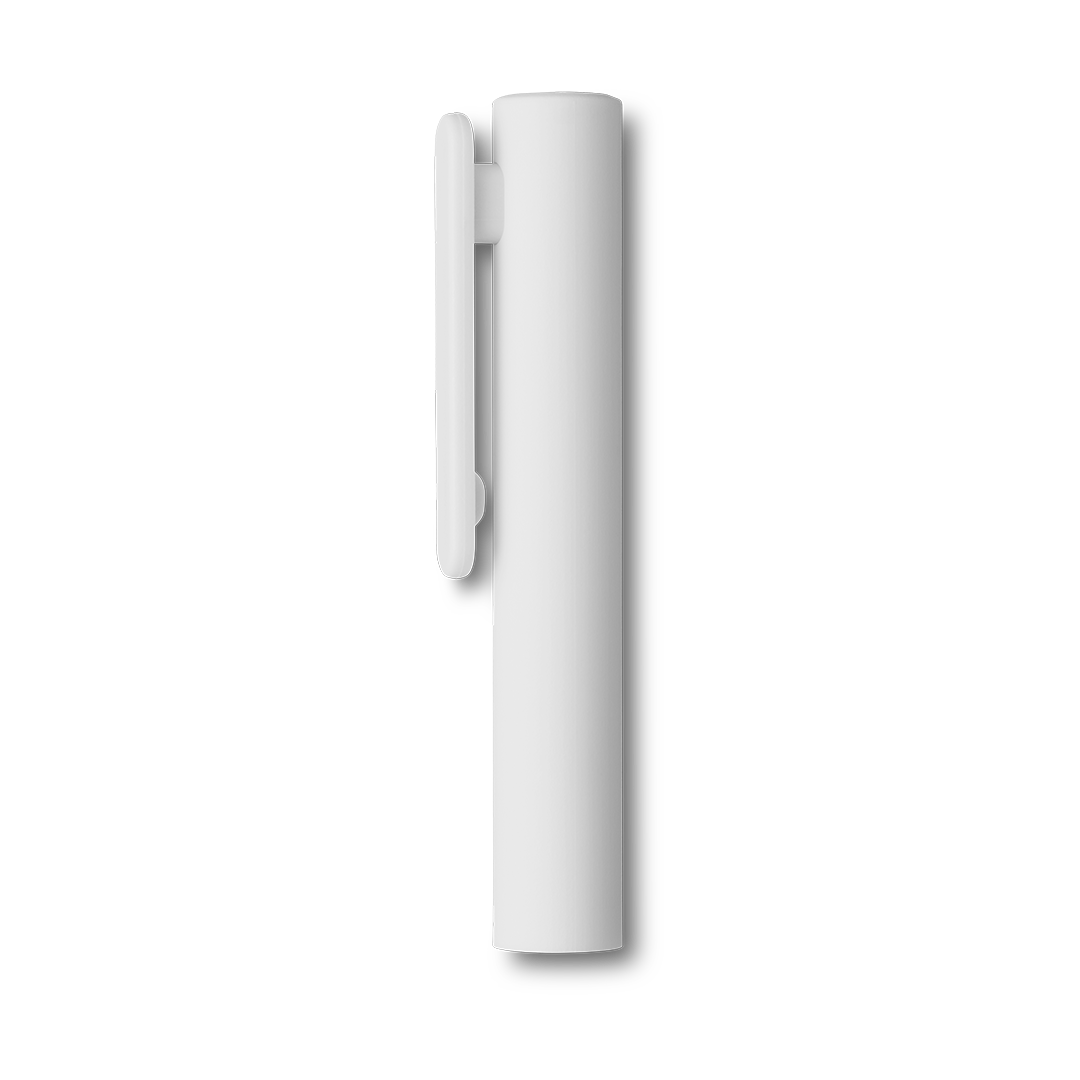
Wacom One Pen Rear Case White w/clip
₹ 990.00
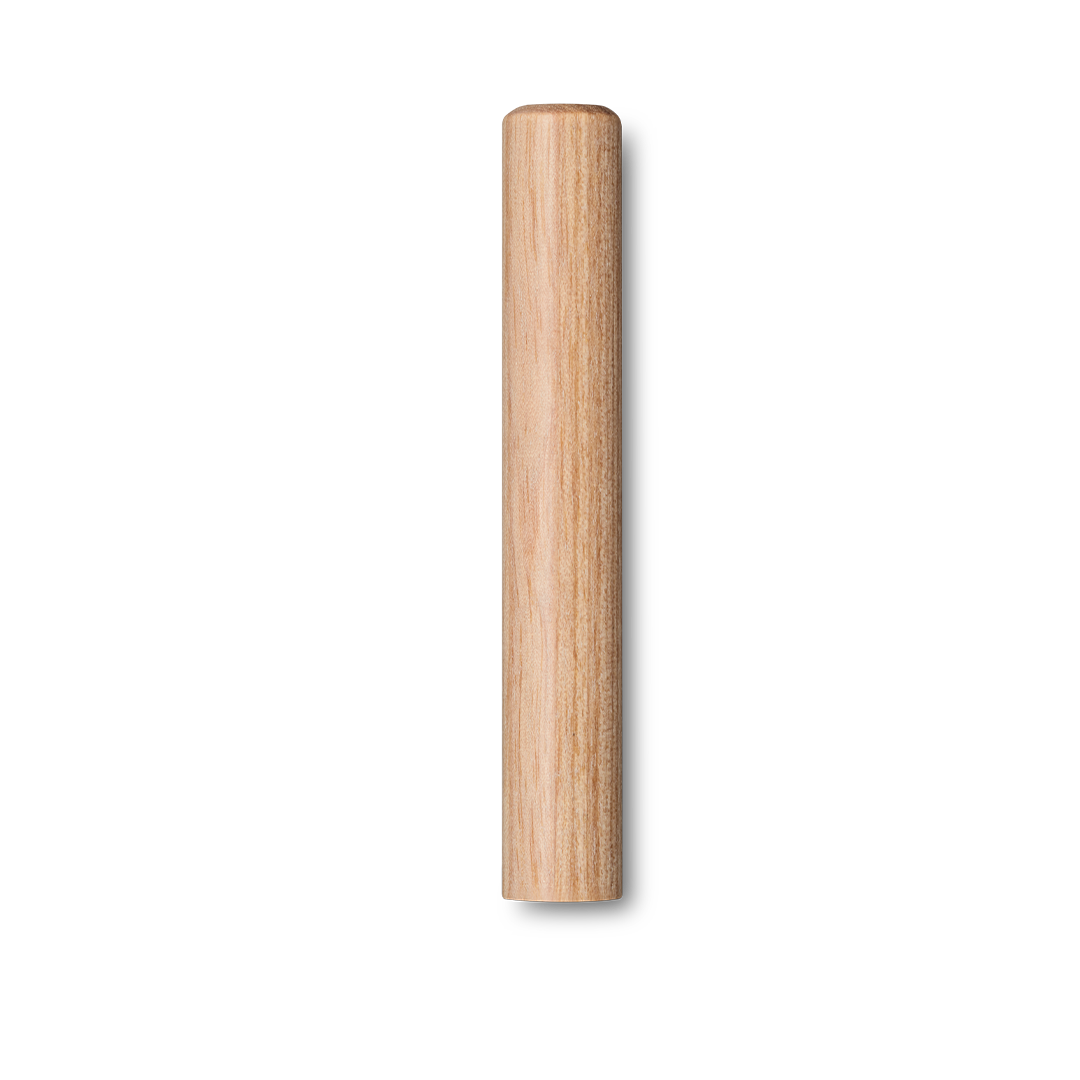
Wacom One Pen Rear Case Wood
₹ 2,090.00
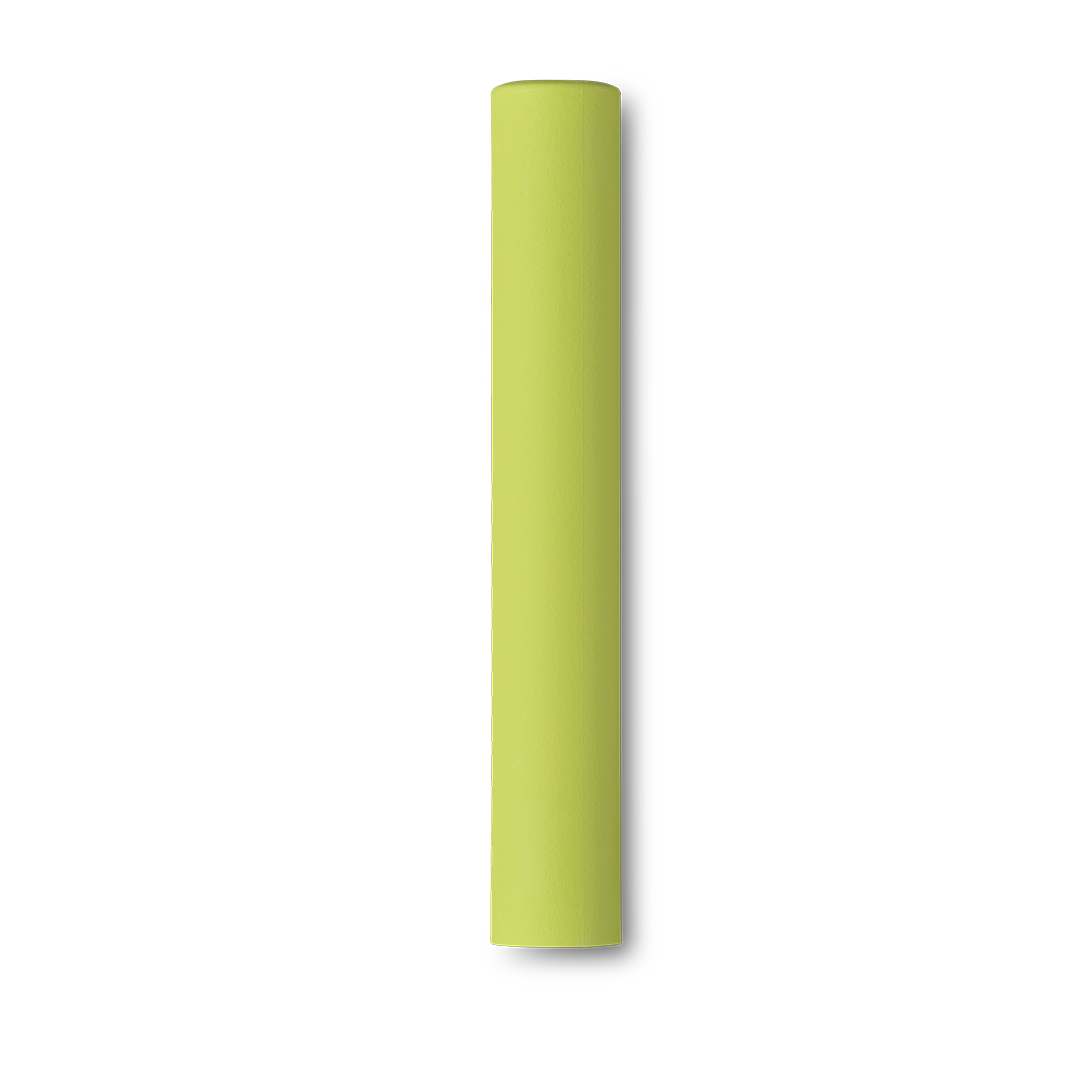
Wacom One Pen Rear Case Lime
₹ 990.00
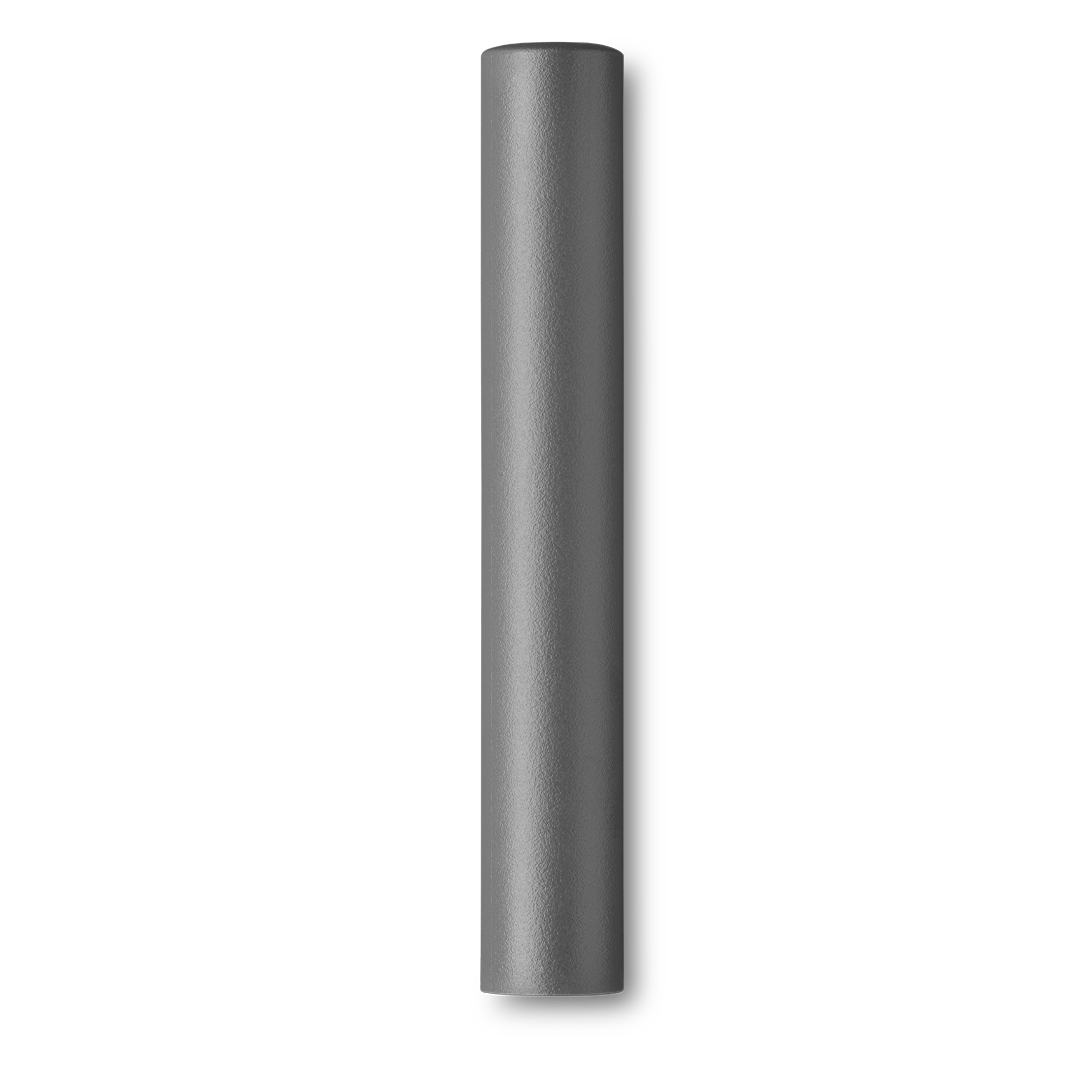
Wacom One Pen Rear Case Gray
₹ 990.00
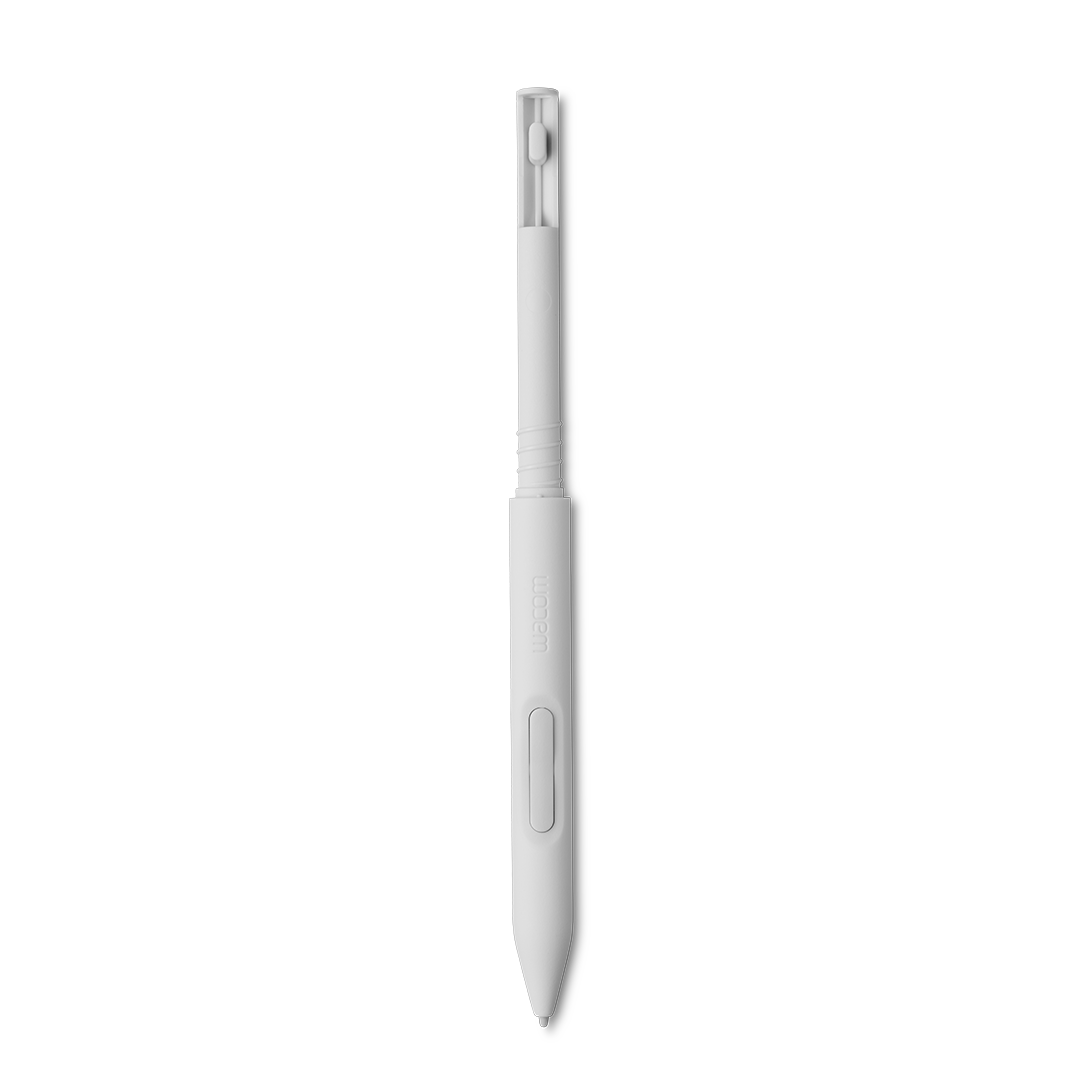
Wacom Pen Front White
₹ 1,590.00
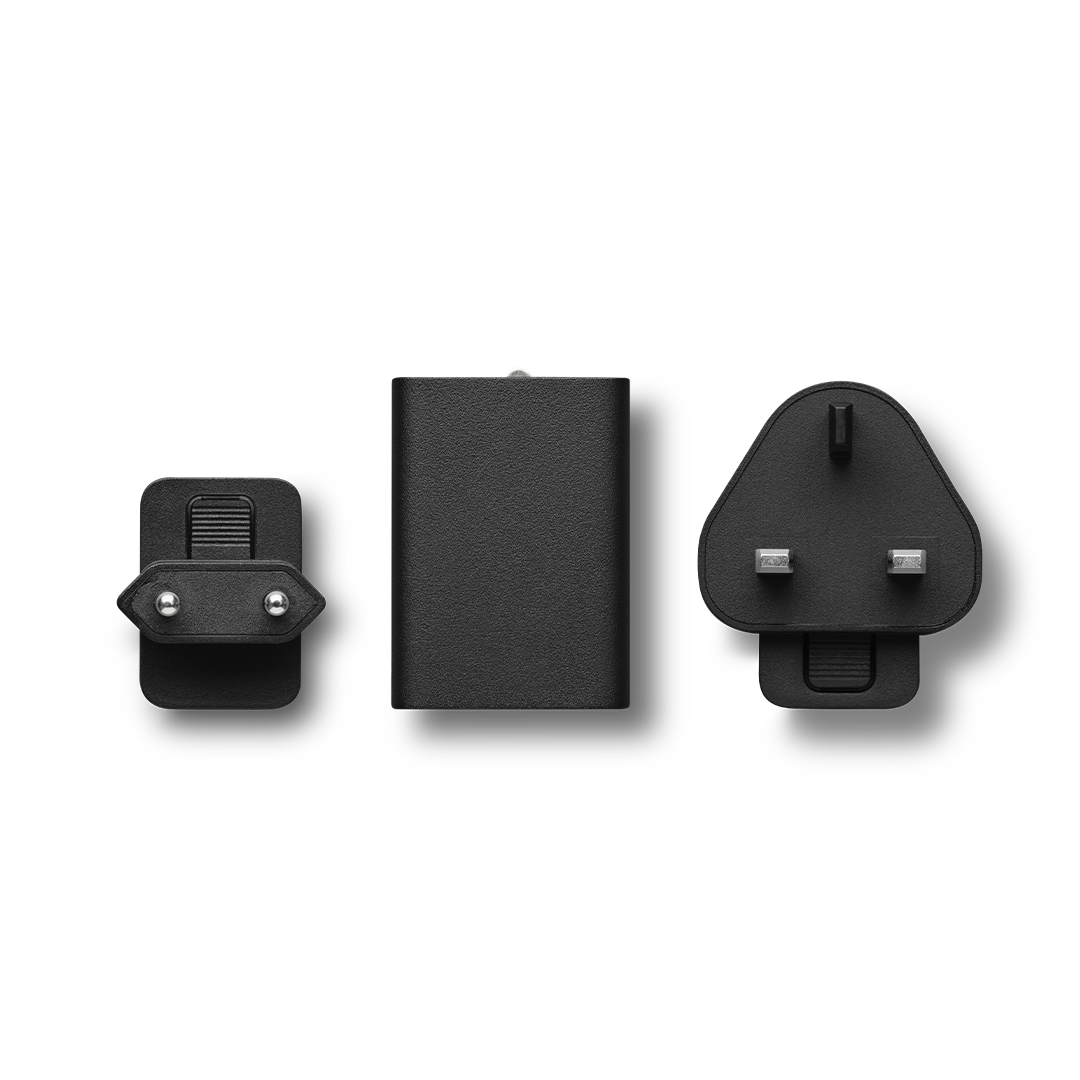
Wacom AC Adapter/Plug
₹ 2,790.00
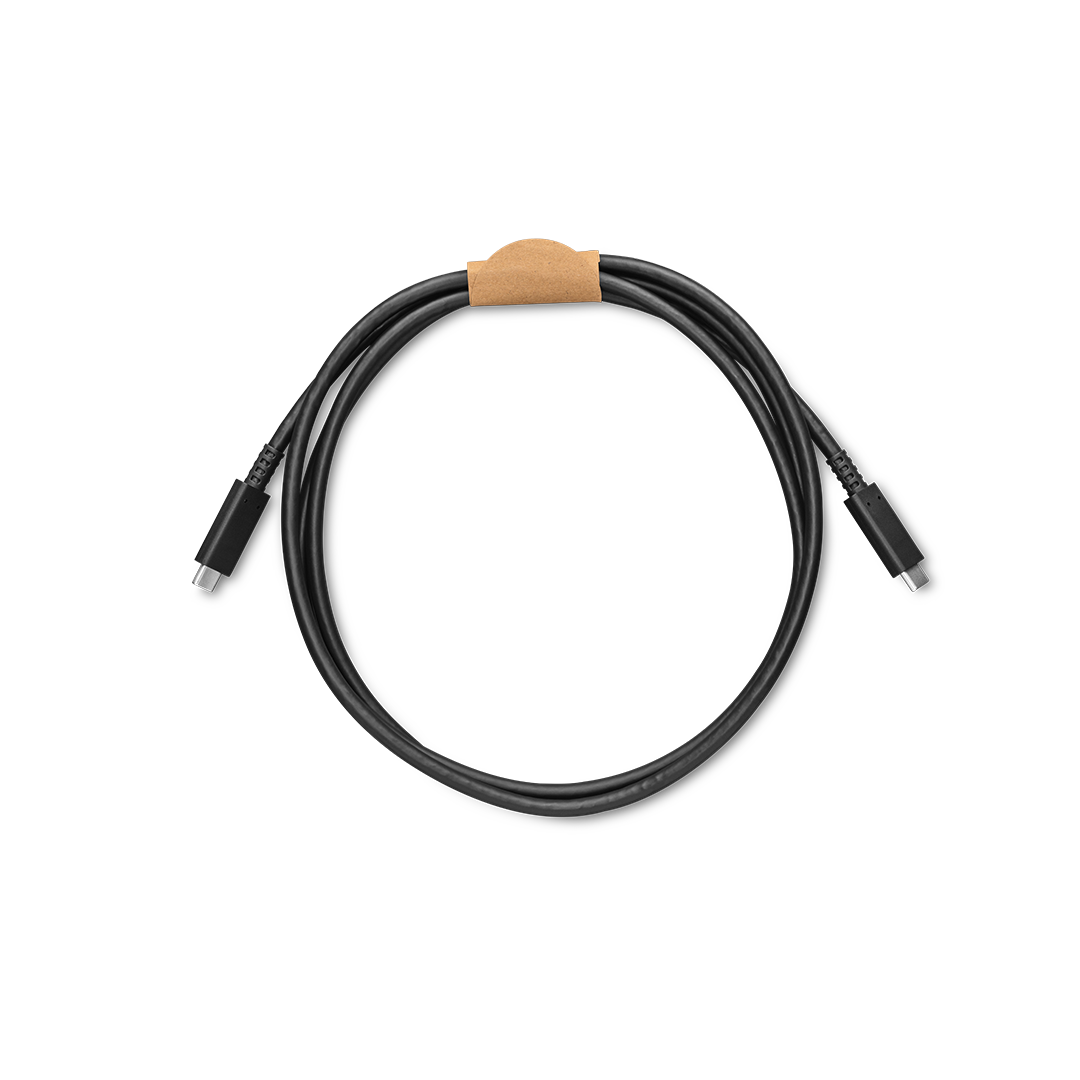
Wacom One USB-C Cable for Wacom One 12 and 13 Touch
₹ 1,790.00
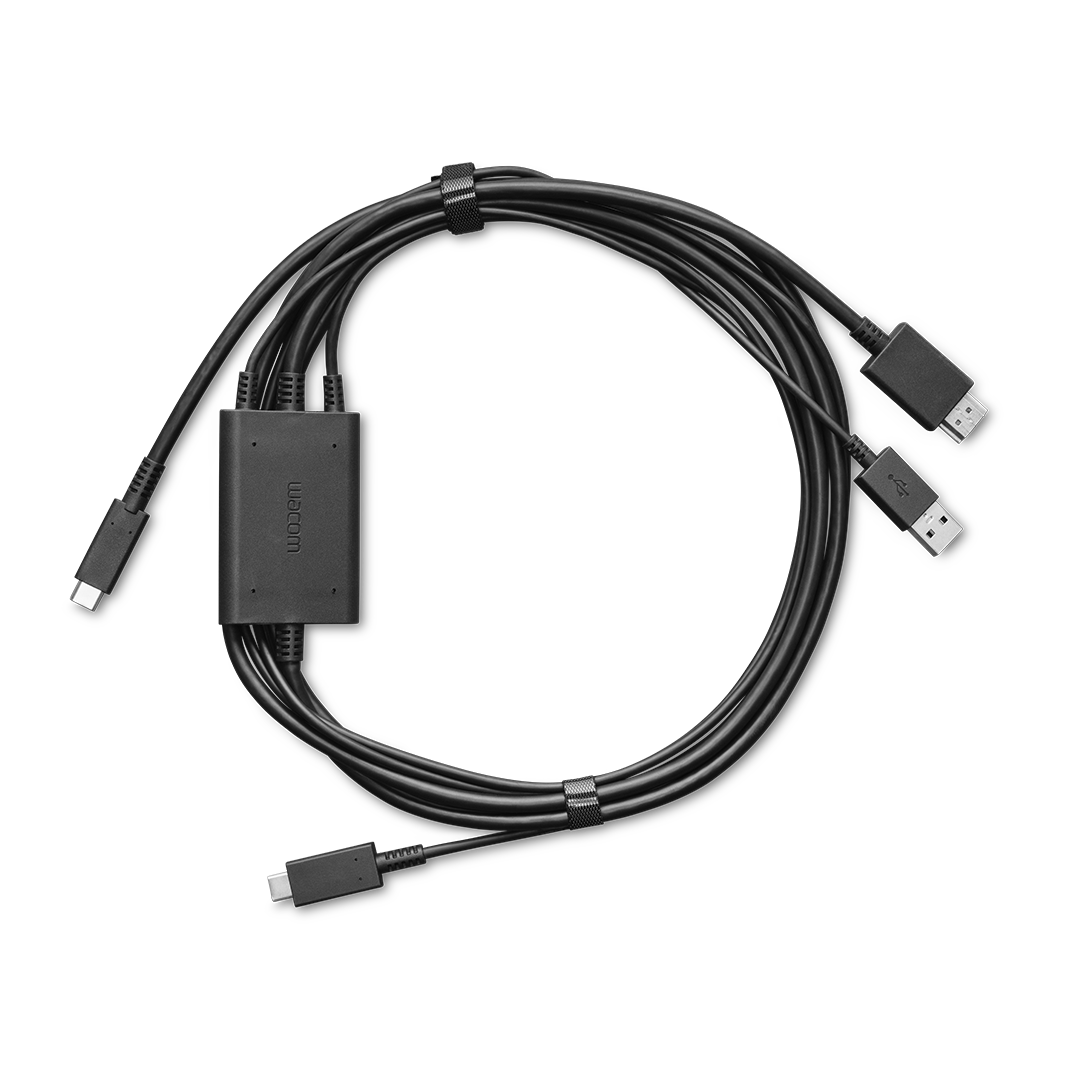
Wacom One 3 in 1 Cable
₹ 5,390.00
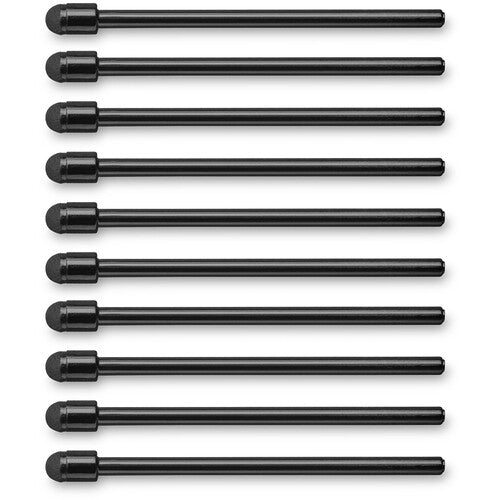
Wacom One Pen 2023 Edition Elastomer Nibs (10-Pack)
₹ 590.00
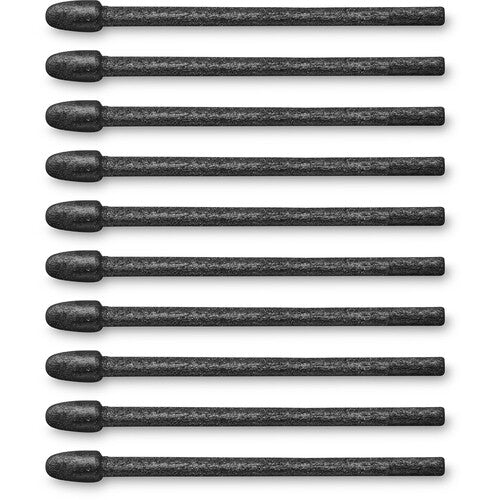
Wacom One Pen 2023 Edition Felt Nibs (10-Pack)
₹ 690.00

Wacom One Pen 2023 Edition Standard Nibs (10-Pack)
₹ 590.00

Accessories Wacom one 12

Larger active area for larger ideas
The redesigned Wacom One features a spacious 14” screen, perfect for digital art, annotation, and photo editing. Its bonded display reduces parallax for accurate pen placement, while the anti-glare, anti-fingerprint coating adds just the right amount of friction—giving you a natural, paper-like drawing feel with every stroke.
Single Cable Connectivity
Single Cable Connectivity Wacom One connects to Windows, Mac, or Chromebook devices with a single USB-C cable that carries power, video, and pen data, keeping your workspace clean.
-
Tutorials for Character Design
by Mitch Leeuwe -
Creative process of illustration
by Laia López -
Digital Illustration Showcase
by Ilse Harting
-

Big Canvas, Compact Design
The 14" widescreen gives you a generous canvas without hogging desk space. FHD resolution delivers crisp visuals perfect for detailed linework. Thin bezels maximize your drawing area while keeping the footprint compact - ideal whether you're at your desk, kitchen table, or anywhere inspiration strikes.!
-

Proven Pen Technology
The Wacom One pen features Wacom's leading pen technology in an easy-to-use battery-free format. It's lightweight and comfortable to grip for extended drawing sessions and never needs charging. Whether you're sketching lightly or applying bold strokes, it delivers consistent, responsive performance.
-

See Every Color Detail
Colors stay true whether you're working on your art, sharing it online, or printing it out. The factory-calibrated 98% sRGB display with 8-bit color depth shows millions of subtle color variations for smooth gradients and natural skin tones.

Customize your Wacom One
Personalize your Wacom One for your own style and way of working. Choose a color for your Pen or select an alternative digital pen from LAMY, Staedtler, Kaweco, or Dr Grip. Add a stand if you prefer working at an angle or a clear rear case that you can personalize with your artwork.
Explore the world of manga
Learn to draw your favorite characters from comics and anime — or design and develop your own comic strip, manga series, or webtoon. In this section, you’ll discover new techniques and methods to transform your artistic concepts and ideas into compelling visual narratives and bring your ideas to life.
-
History of Japanese Art & Culture
by ISSSAI -
History & Story of a Manga Page
by Kenny Ruiz -
Creating Manga art in traditional style on Clip Studio Paint
by ZeldaCW
-

How to draw a manga comic, from start to finish, in Clip Studio Paint
Using Clip Studio Paint and Wacom Intuos, artist Caterina Rocchi will show you the process from sketch to the ...
-

Tips for creating a print-ready monochrome manga with Clip Studio Paint and Wacom
Wacom teamed up with Celsys to give you an insider's view of manga comic creation from start to finish in a 5 part ...
-

How to draw a comic page by Miyuli
Illustrator and manga artist Miyuli, known for her comics such as Hearts for Sale and Lost Nightmare, takes us ...

Sustainable packaging design
The new Wacom One continues Wacom’s commitment to environmental sustainability. It prioritizes the use of sustainable materials in the packaging for example, we’ve eliminated all petroleum-derived plastics and shifted to 97% FSC certified paper for our printed materials.
Edit photos like a pro
Retouch, manipulate lighting, enhance colors, or combine multiple photos into one – in other words, unleash your creative photographic vision. Here’s where you’ll learn how to transform ordinary images into stunning works of art with the power and precision of the Wacom pen and Wacom One.
-
How to Bring your Photos to Life in Photoshop
by Colin Smith -
Photo Manipulation Techniques
by Allison Olivia Moon -
Portrait & Beauty Retouching
by Rafael Goldchain
-

Photographers, it’s time to swap your mouse for a tablet
Wacom tablets are associated with digital artists, so much so that they are considered an industry standard. Yet, ...
-

How to set up a Wacom tablet for photo editing
Unmesh Dinda from PiXimperfect on setting up your Wacom tablet for photo editing in Adobe Photoshop.
-

How to remove your ex from a photo: Adobe Photoshop tutorial
Just in time for Valentine's Day -- how to remove someone from a group photograph!
Unleash your educational potential
Wacom One is an incredibly versatile tool for fostering creativity, electrifying engagement, and enhancing learning, whether in art class or academic subjects — or in higher education. Below, explore endless possibilities for students and educators alike to revolutionize their educational experiences with Wacom One.
-
Navigating Career Choices
by Glen Southern -
Pitching and Producing Unique Stories
by Triggerfish Animation Studios -
Art of Business
by Darek Zabrocki
-

Teaching Online has never been easier with Wacom and its software partners!
Wacom partners with leading educational software applications to provide teachers and students with the best ...
-

Using Your Wacom Pen Tablet with PowerPoint
Did you know you can use your Wacom pen tablet with Microsoft PowerPoint? Here’s how to make it work in your lessons.
-

Top 5 go-to resources for aspiring digital artists
Unless you already are an experienced digital artist, we long for tutorials, insights, inspiration, tips and the ...

Features
- BIGGER CANVAS, BETTER DETAIL: Redesigned with more drawing area, the laminated 14" crisp IPS Full HD display offers generous space with 98% sRGB color accuracy and a paper-like texture that won’t glare or smudge – keeping you in your creative zone longer